
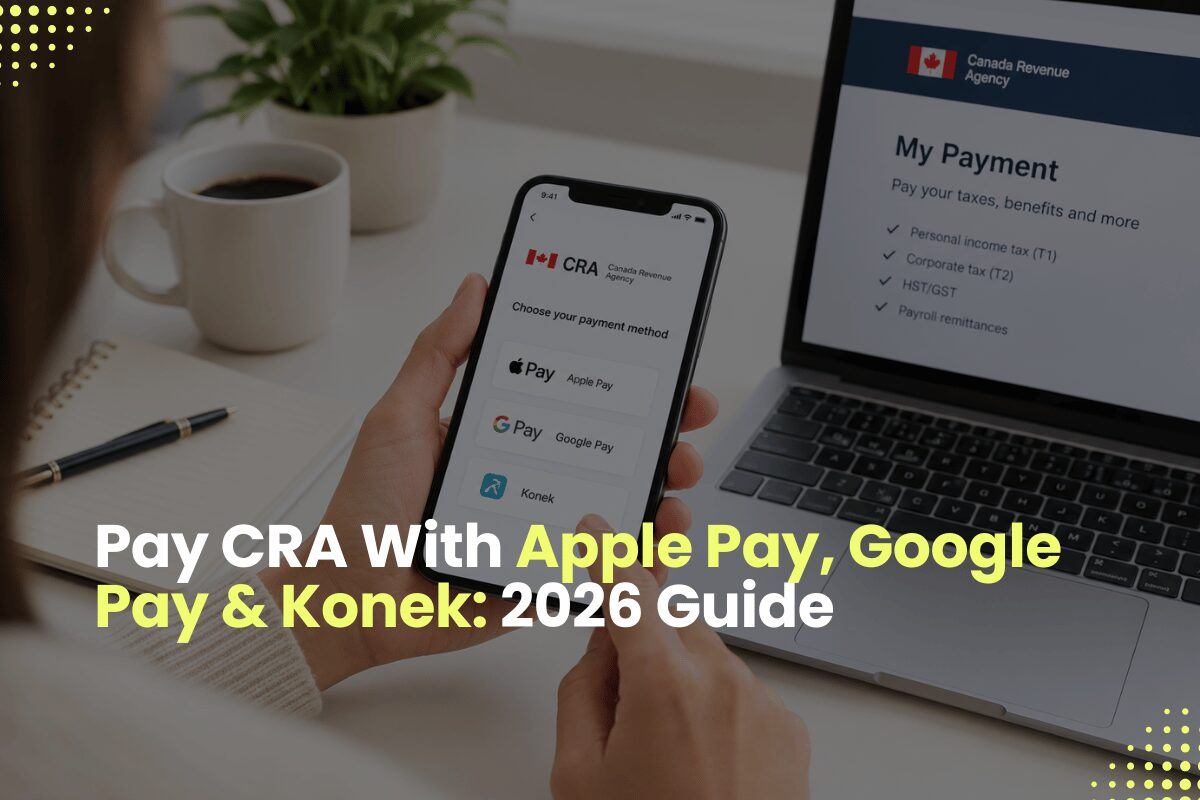
Can you pay CRA with Apple Pay or Google Pay now?
- Yes. As of October 19, 2026, the Canada Revenue Agency (CRA) accepts Apple Pay, Google Pay, and Konek through its My Payment portal.
- Individuals and businesses can now settle personal income tax (T1), corporate tax (T2), HST/GST, and payroll remittances using a mobile wallet.
- The My Payment service remains free, with no CRA transaction fee.
- Each payment is still routed through a Canadian financial institution, so bank-level limits and daily caps still apply to a single transaction.
What changed on October 19, 2026
If you have ever stared at a CRA balance owing on your phone at midnight and wished you could just tap and pay, that moment arrived in late October 2026. The CRA announced that its My Payment service now supports three new digital payment paths: Apple Pay, Google Pay, and a payments network called Konek.
Before this change, most Canadians settled their tax balance through online banking bill payment, pre-authorized debit, Interac Online, or a credit card routed through a third-party processor. Those options still work. The expansion simply adds the wallet many people already use for groceries and parking to the list of ways you can pay your taxes.
The timing matters. Personal tax instalments, HST filings, and corporate balances all come due on tight calendars. For a deeper look at the dates you cannot miss, see our breakdown of CRA tax instalment dates for 2026.
Which path fits your situation
Here is the quick-start path by taxpayer type:
For a T1 balance owing, a quarterly instalment, or an HST return within your bank's single-transaction limit, Apple Pay, Google Pay, or Konek will typically be the fastest option.
For a larger T2 corporate balance, bigger HST remittance, or recurring payroll source deductions, online banking bill payment or pre-authorized debit (PAD) generally give you more headroom and a cleaner audit trail.
Not sure which category you fit? Our team walks through all of this in a consultation. The full services list shows where we help.
| Your situation | Recommended method | Why |
|---|---|---|
| T1 balance under $1,000 | Apple Pay or Google Pay | Fast, free, well within bank limits |
| T1 quarterly instalments | Pre-authorized debit (PAD) | Automatic, removes risk of a missed date |
| HST return under $10,000 | Apple Pay, Google Pay, or Konek | Typically fits within bank transaction limits |
| HST return over $10,000 | Online banking bill payment | Higher daily limits, cleaner audit trail |
| T2 corporate balance owing | Online banking bill payment | Handles larger balances without split transactions |
| Payroll source deductions | Pre-authorized debit (PAD) | Timing certainty on monthly or weekly cycles |
How My Payment fits into the CRA payment ecosystem
Think of My Payment as a payment switchboard. You arrive on canada.ca, tell CRA which account the money is for (personal, corporate, HST, payroll, benefits), enter the amount, and the portal hands you off to your bank. The bank authenticates you and sends the money. CRA never sees your card number or wallet credentials.
The October 2026 change widened the set of methods that bank will accept during that handoff. If your bank supports Apple Pay or Google Pay at checkout, that option now appears when you reach the authentication screen. Behind the scenes, the wallet is still spending the same debit card you would have used manually.
For the full picture of how CRA deadlines interact with payment timing, our guide to CRA payroll remittance due dates is worth reading alongside this one.
How the new wallet options compare to older CRA payment methods
| Method | Posting Speed | Transaction Limit | Fee | Best For |
|---|---|---|---|---|
| Apple Pay (via My Payment) | 1 to 3 business days | Set by your bank | No CRA fee | Small-to-mid individual balances paid on mobile |
| Google Pay (via My Payment) | 1 to 3 business days | Set by your bank | No CRA fee | Android users settling T1 or HST balances |
| Konek (via My Payment) | 1 to 3 business days | Set by your bank | No CRA fee | Users whose bank supports Konek checkout |
| Interac Online (via My Payment) | 1 to 3 business days | Set by your bank | No CRA fee | Desktop users who prefer no wallet |
| Online banking bill payment | 1 to 5 business days | Generally higher than wallet limits | No CRA fee | Larger T2 and payroll remittances |
| Pre-authorized debit (PAD) | Same day on the scheduled date | Set during setup | No CRA fee | Recurring instalments and remittances |
| Credit card via third-party processor | Same or next business day | Set by your card limit | Roughly 2.5% surcharge | Short-term cash flow needs |
More comparisons live in our ongoing insights library if you want to dig deeper.
How to pay CRA using Apple Pay or Google Pay step by step
Here is the full sequence:
- 1Open My Payment on canada.caOpen your phone browser and go to the CRA My Payment page on canada.ca.
- 2Choose your account typeOptions include personal income tax (T1), corporate tax (T2), HST/GST, payroll source deductions, and benefit repayments.
- 3Enter amount and reference numberFor individuals, this is typically your Social Insurance Number (SIN); for businesses, it is your Business Number (BN) plus the program identifier.
- 4Select Interac Online as the payment methodThis is the gateway that now presents the wallet options.
- 5Choose your financial institutionYou will be redirected to your bank's secure sign-in page.
- 6Pick the wallet at your bank's pageSelect Apple Pay, Google Pay, or Konek if your bank displays it. Authenticate with Face ID, fingerprint, or your device passcode.
- 7Confirm the payment amount and submitVerify the amount and the CRA account it is going to, then submit.
- 8Save the confirmation pageTake a screenshot, email yourself a copy, or export it to your tax folder. This is your proof of payment if a timing dispute ever comes up.
If you have missed a filing deadline and are rushing a payment, the mechanics above still apply, but the clock on interest has already started. Our note on what to do if you missed the self-employed tax deadline walks through next steps.
Konek the third option most Canadians have not heard of
Konek is a Canadian payments network that connects participating banks and payment apps. It launched in a limited pilot in 2025 and expanded in 2026, which is why its appearance on the CRA payment list surprised many taxpayers.
For most readers, Konek is simply another button you may or may not see at your bank's checkout page. If your financial institution supports it, you can use it the same way you would use Apple Pay or Google Pay. If it does not appear, your bank has not enabled it yet, and you can safely use the other options.
Security practices are the same across all three wallet paths. Our walkthrough on CRA account security and identity-theft prevention covers the broader habits that protect you no matter which wallet you choose.
When Apple Pay or Google Pay is not your best option
Convenience is not the same as fit. There are tax situations where a wallet payment is the wrong tool, and it helps to recognize them before you tap.
Large corporate tax balances often exceed the single-transaction limit your bank places on Interac Online. If your T2 balance is $25,000 and your bank's limit is $10,000, a wallet payment will fail or require splitting. Online banking bill payment or wire transfer handles those balances without friction.
Recurring quarterly instalments are better served by pre-authorized debit. Setting up PAD once removes the risk that you simply forget a date, which is one of the most common reasons Canadians end up with CRA interest charges.
HST remittances for an active small business carry documentation weight. If you are ever audited or need to file a notice of objection with CRA, a clean trail of PAD payments or online banking confirmations is easier to assemble than a stack of wallet screenshots.
Common mistakes to avoid when paying CRA with a digital wallet
- >Paying the wrong CRA account. Entering your SIN when the balance is on a corporate Business Number sends the money to the wrong file. CRA can usually reallocate it, but the fix takes weeks and may leave the original balance showing arrears interest in the meantime.
- >Assuming the payment posts instantly. Wallet payments through My Payment typically take one to three business days to appear on your CRA account. If you pay on the deadline date, you have likely already triggered interest.
- >Forgetting to save the confirmation. The CRA page may not email you a receipt by default. Screenshot the confirmation and store it with your tax records.
- >Splitting a large payment without tracking the pieces. Hitting your bank limit and paying in two or three transactions is fine, but each piece needs its own saved confirmation.
- >Mixing personal and corporate payments on one wallet. If you use the same phone for both, double-check the reference number every time before you tap. For why that trail matters, see late-filing penalties for T4 and T5.
- >Treating a wallet payment as a fix for a late return. Paying faster does not undo a missed filing deadline, and the late-filing penalty is calculated separately from interest on the balance.
- >Ignoring your bank's authentication prompts. If your bank asks for a one-time code during the Apple Pay or Google Pay flow, that is a security step, not an error. Complete it rather than closing the window and retrying.
Frequently asked questions
Can I actually pay my taxes with Apple Pay in Canada now?
Does the CRA charge a fee if I pay with Apple Pay or Google Pay?
Is there a maximum amount I can pay the CRA with a digital wallet?
What is Konek and should I use it to pay the CRA?
How long does a CRA payment take to show up after I pay with Google Pay?
Can I pay my HST or payroll remittance with Apple Pay too, or only personal tax?
Is it safe to link my CRA payment to Apple Pay or Google Pay?
What if I pay the wrong CRA account by mistake using my phone wallet?
Not sure which payment path fits your situation?
ClearWealth works with Ontario individuals, sole proprietors, and incorporated professionals to align payment method with instalments, HST filings, and audit-ready bookkeeping. Book a consultation whenever you are ready.
Book a ConsultationSources & References
- Canada Revenue Agency, Make a payment: canada.ca/en/revenue-agency/services/make-a-payment.html
- Canada Revenue Agency, Pay online with My Payment: canada.ca/en/revenue-agency/services/e-services/payment-save-time-pay-online.html
- Canada Revenue Agency, News release expanding My Payment to Apple Pay, Google Pay, and Konek (October 19, 2026): canada.ca/en/revenue-agency/news.html
- Canada Revenue Agency, Prescribed interest rates: canada.ca/en/revenue-agency/services/tax/prescribed-interest-rates.html
- Canada Revenue Agency, Pre-authorized debit: canada.ca/en/revenue-agency/services/e-services/pay-online-pre-authorized-debit.html
- Income Tax Act, R.S.C. 1985, c. 1 (5th Supp.)
- Excise Tax Act, R.S.C. 1985, c. E-15
- Payments Canada, Canadian Payment Methods and Trends (annual): payments.ca